FinanceBench · deepseek-flash · 12 agents
- strict
- 131/150
- cost
- $1.06
- clock
- 12m15s
Small swarms, far out results
Point a horde of AI agents at one hard question. Each runs in its own process, and they work it out together in plain files you can read.
Up to 48 concurrent agents
A widget tracks each agent, a live dashboard shows the ledgers, and the run ends with a report and a deliverable.
Agents share ledgers of ideas, findings, facts and a progress board. One tool handles every write and enforces the rules.
Every run closes with a post-mortem of how the agents coordinated. Its rules trace back to critiques of earlier runs.
❯ /agent-horde --dashboard 6 audit the HTTP handlers for authorization bugs
All three shots are from one test run: six deepseek-flash agents reviewing the agent-horde repository for vestigial code, stopped after five minutes.
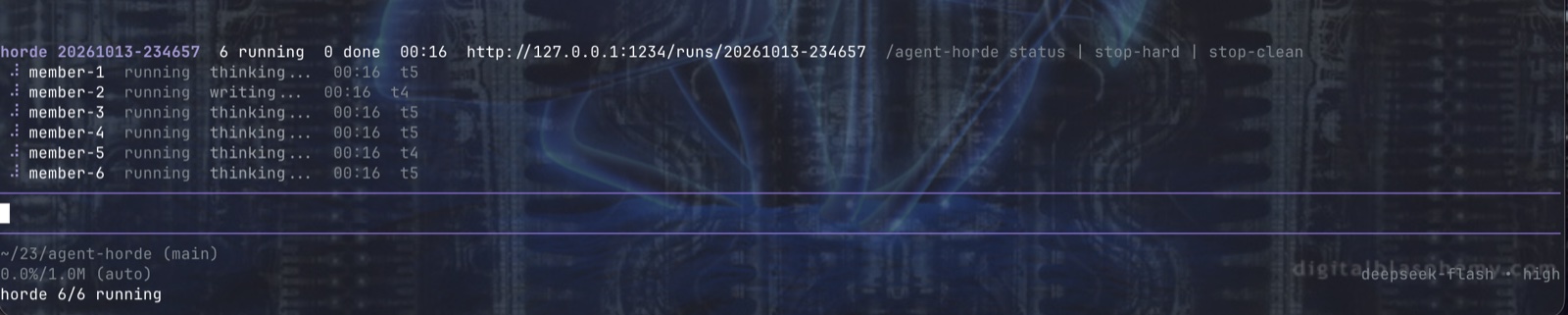
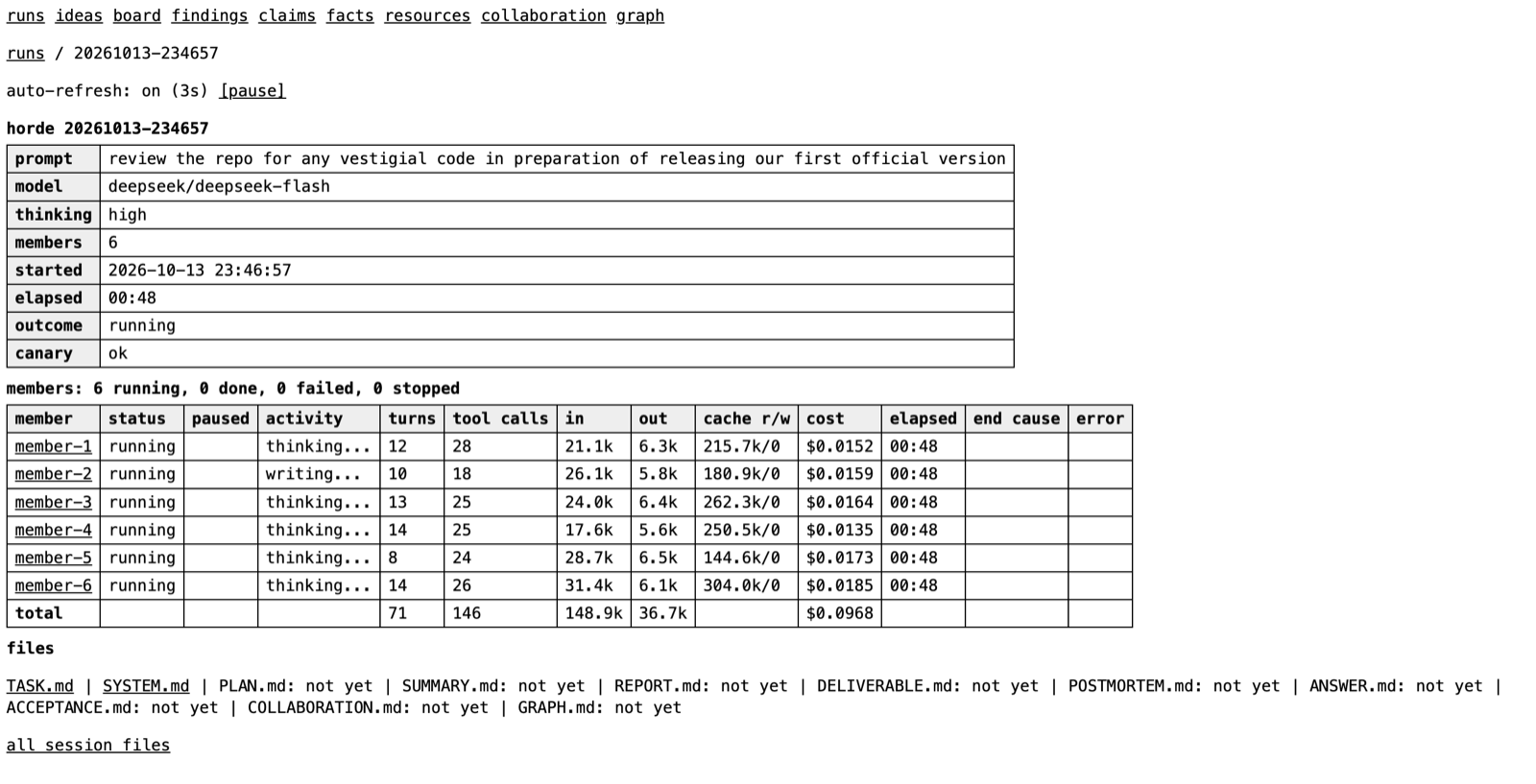
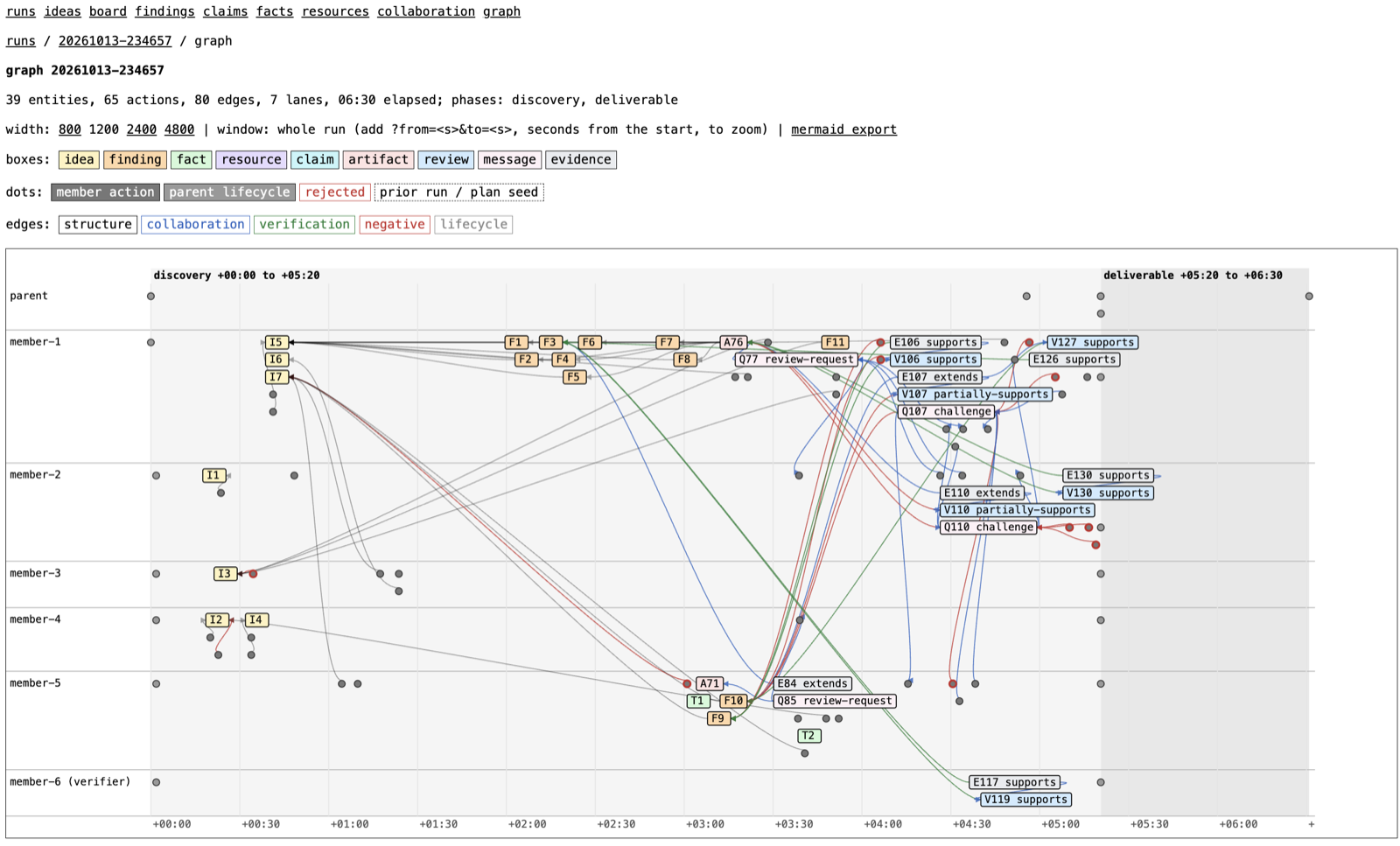
One agent starts alone. The rest fan out once it produces output, so a dead provider costs one session.
Agents claim ideas, dig, and file findings with evidence. Stalled or crashed agents are replaced.
Short targeted sessions answer open challenges and review requests, inside a token and time budget.
Acceptance is frozen. You get a report, a deliverable built from verified findings, and a post-mortem.
Research that rewards going wide and pulling exact evidence out of a lot of material.
FinanceBench: 150 open-book questions about SEC filings, searched with plain text tools and no retrieval system.
All 50 pure lookup questions were answered correctly in both runs.
The big labs point large swarms of agents at big problems. This is the same idea at a size one person can run and understand.
The ledgers are markdown files. Open them mid-run and see who claimed what and what the evidence is.
Nobody scripts who does what. Agents split the work, challenge each other and change course on their own, and every move is on the record, so you can observe emergent behavior with full transparency.
Agents review, challenge and reproduce each other's findings before anything counts.
The 12-agent benchmark run above cost $1.06. Set a dollar ceiling with one flag and the run stops itself.
Each run's post-mortem shows how the coordination went wrong, which is the fastest way to get a feel for swarms.
Whatever your pi session is using. Agents start on the session's model and thinking level. The benchmark runs on this page used deepseek-flash and gpt-6.1-sol.
It depends on the model, the number of agents and how long the run goes. The 12-agent FinanceBench run on deepseek-flash cost $1.06. The --budget=<usd> flag sets a dollar ceiling, and the run stops itself cleanly when spending gets close to it.
Nowhere new. Each agent is an ordinary pi process on your machine, the ledgers are files under .horde/ in your working directory, and the dashboard is a read-only page on localhost. The only traffic is what your pi setup already sends to its model provider and tools.
Only if your pi can. agent-horde adds one coordination tool and ships no web search or browser. Agents get the tools, extensions and MCP servers you already have installed, so add a web package first for tasks that need one.
The parent session resets any agent that goes silent for thirty minutes or exits abnormally, and the run carries on. Every agent's transcript is kept, so you can see what happened.
/agent-horde stop-clean lets the agents wrap up and then finalizes the report. stop-hard terminates them at once. pause and resume suspend and resume the agent processes.
You need pi 1.2 or newer and Node 20 or newer.
❯ pi install npm:agent-horde
Start pi in a clean directory that holds only the material under study, then give the horde a size and a task.
❯ /agent-horde --dashboard 6 audit the HTTP handlers for authorization bugs
The dashboard at http://127.0.0.1:7433/ shows the run live. When it ends, the report lands in your conversation, and REPORT.md, DELIVERABLE.md and POSTMORTEM.md are under .horde/.
Open source · MIT